
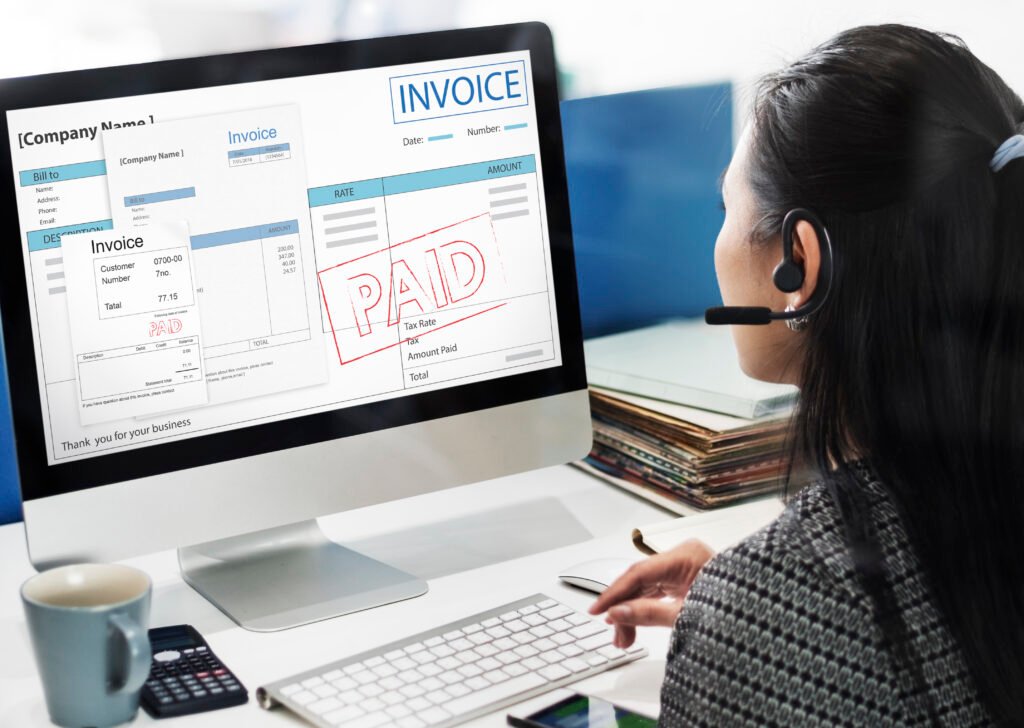
Online Invoice Software
Online invoice software lets you create, customize, and send professional invoices straight from your browser — no installation required. Add your logo, set payment terms, apply taxes and discounts, and send invoices by email in just a few clicks.
Most platforms also offer recurring billing, multi-currency support, and automatic reminders for overdue payments, helping you get paid faster while reducing manual paperwork.
Online Invoice Sample
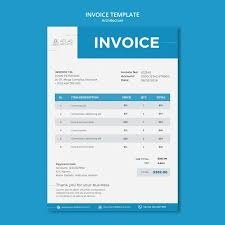
An online invoice sample is a ready-made template showing exactly how a finished invoice should look — including business details, invoice number, date, itemized charges, tax breakdown, and total amount due.
Browsing sample invoices helps you choose the right layout and structure before creating your own, and many platforms allow you to download these samples in PDF, Word, or Excel formats for quick editing.
Online Invoice Scanner
Frequently Asked Questions
Quick answers about online invoicing and billing tools
Online invoice software is a web-based tool that lets you create, customize, and send invoices directly from your browser. You enter client details and item charges, the software calculates totals and taxes, and the invoice is emailed or downloaded as a PDF — no installation needed.
Most invoicing platforms and template libraries offer free downloadable invoice samples in PDF, Word, or Excel format. These samples show standard fields like invoice number, date, item descriptions, tax, and total due, which you can edit to match your business.
An online invoice scanner uses your phone’s camera or a file upload along with OCR (Optical Character Recognition) technology to read printed or handwritten invoices and convert key details — vendor, date, amount, tax — into digital, searchable records.
Invoice software typically focuses on creating and sending invoices, while a full online invoice system covers the entire billing workflow — invoicing, payment tracking, reporting, and often integration with accounting or inventory tools — all in one dashboard.
Yes. Many platforms offer affordable or tiered plans designed for freelancers and small teams, with simple templates, client management, and expense tracking — so you can send professional invoices without expensive accounting software.
Many providers offer free plans with core features like invoice creation, PDF export, and email delivery, usually with limits on the number of invoices or clients per month. You can upgrade to a paid plan as your business grows.
Most utility providers, telecom companies, and service platforms have an online portal where you enter your account or bill number to instantly see whether your payment is pending, processed, or overdue.
Online billing software can automate invoice generation, recurring charges, payment processing, and receipt delivery. This reduces manual work and billing errors, especially for subscription-based or service businesses.
Log in to the provider’s website or app and enter your payment reference number to view real-time status. This confirms whether your payment was received and applied, which is especially useful for utility bills and recurring charges.
Yes, free billing tools are a solid starting point for startups and small service providers, offering core billing, payment tracking, and customer management. Usage limits typically apply, with premium plans available for advanced automation and integrations.